OpenAI Agents SDK Python Tutorial: Build Smarter AI Agents Faster
Learn how to use OpenAI Agents SDK Python to build tool-using, multi-agent workflows with tracing, handoffs, and a clean production-ready structure.
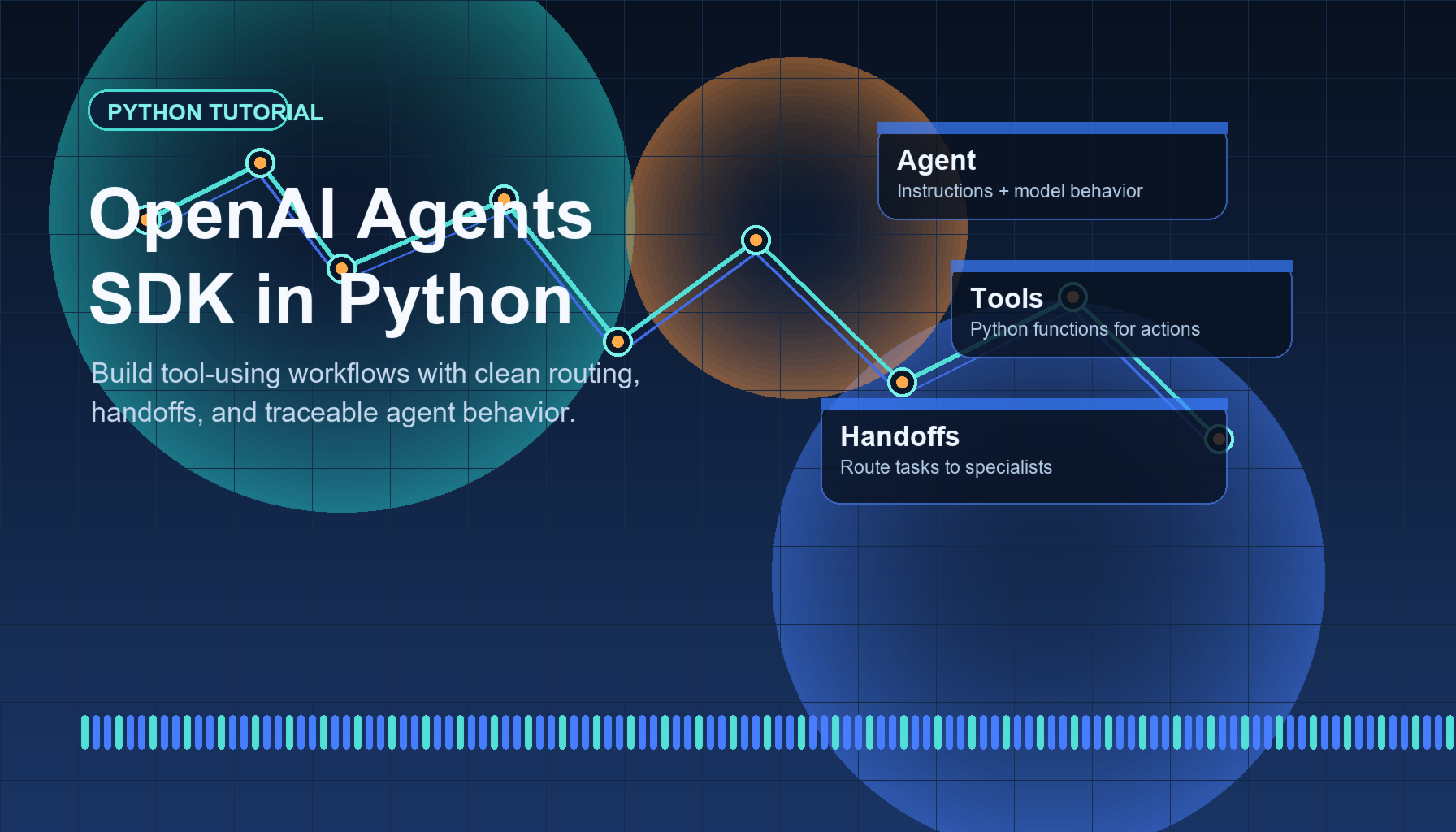
AI agent tutorials are everywhere, but most skip the part that matters in production: how to structure tools, route work between specialists, and inspect what actually happened during a run. That is why OpenAI Agents SDK Python is a strong topic right now. Search intent is clear, the keyword maps to a real implementation problem, and the official docs already give developers a path from simple prompts to routed workflows with tracing.
If you want to move beyond one-off chatbot scripts, this guide shows what the SDK does well, how to get started, and where it fits in a practical Python stack.
Why This Topic Matters Right Now
The current agent conversation has shifted from “Can I call a model?” to “Can I build a reliable workflow around it?” That change is important for search and for product engineering.
OpenAI’s official quickstart for the SDK focuses on the parts developers care about first:
- creating an agent
- running it with a runner
- attaching tools
- adding additional agents
- defining handoffs
- viewing traces
That progression matters because it mirrors real product growth. You usually start with one agent, then add tools, then split responsibilities, then debug behavior. In October 2025, OpenAI also described AgentKit as building on the earlier Responses API and Agents SDK stack, which is a good signal that agent workflows remain a strategic area rather than a short-lived experiment.
For a Python-focused site, this is a better SEO target than a vague “AI agents explained” post. The person searching for OpenAI Agents SDK Python likely wants code, setup steps, and architecture guidance, not broad theory.
What the OpenAI Agents SDK Actually Gives You
The SDK is useful because it gives you a cleaner abstraction for common agent patterns.
1. Agents
An agent combines instructions, a name, and optional configuration. That sounds simple, but it creates a reusable unit you can reason about instead of scattering prompts through application code.
2. Tools
Tools let your agent do something concrete, such as call a Python function, look up data, or trigger a business action. This is where agents start becoming products instead of demos.
3. Handoffs
Handoffs let one agent route work to another specialist. This is useful when you want a triage layer, such as:
- a support router
- a billing specialist
- a documentation specialist
That pattern is often easier to maintain than one giant agent with too many instructions.
4. Tracing
Tracing is one of the biggest practical wins. When an agent chooses the wrong tool or routes a request poorly, you need visibility. The SDK’s docs explicitly point developers to the Trace viewer so runs can be inspected instead of guessed at.
Quick Setup for Your First Project
The official quickstart uses a standard Python project setup. A minimal install looks like this:
1
2
3
python -m venv .venv
.venv\Scripts\activate
pip install openai-agents
You will also need an OPENAI_API_KEY in your environment before running the examples.
From there, the smallest working example is straightforward:
1
2
3
4
5
6
7
8
9
10
11
12
13
14
15
16
17
import asyncio
from agents import Agent, Runner

agent = Agent(
    name="Python Helper",
    instructions="Answer Python questions clearly and concisely.",
)

async def main():
    result = await Runner.run(
        agent,
        "Explain list comprehensions with one short example."
    )
    print(result.final_output)

if __name__ == "__main__":
    asyncio.run(main())
That example is intentionally small, but it shows the core contract: define an agent, pass input to the runner, and read the final output.
Adding Tools Makes the SDK Much More Useful
Where OpenAI Agents SDK Python becomes interesting is tool use. The official docs show a function_tool pattern, which is a clean way to expose Python logic to the agent.
Here is a simple example:
1
2
3
4
5
6
7
8
9
10
11
12
13
14
15
16
17
18
19
import asyncio
from agents import Agent, Runner, function_tool

@function_tool
def get_python_tip() -> str:
    return "Use enumerate() when you need both index and value."

agent = Agent(
    name="Python Coach",
    instructions="Help users learn Python. Use get_python_tip when useful.",
    tools=[get_python_tip],
)

async def main():
    result = await Runner.run(agent, "Give me one practical Python habit.")
    print(result.final_output)

if __name__ == "__main__":
    asyncio.run(main())
This pattern scales better than stuffing every answer into a prompt. Instead of hoping the model remembers your business rules, you can move stable logic into Python functions and let the agent call them when appropriate.
For blog readers building real apps, this is the unique angle worth emphasizing: the SDK is not just a wrapper around a model call. It is a workflow layer for Python teams that want clearer boundaries between reasoning, routing, and execution.
Multi-Agent Routing Without a Mess
Many developers hit complexity as soon as one agent has to do too much. The quickstart addresses that directly by showing multiple agents and handoffs.
For example, you might create:
- a triage agent for incoming requests
- a coding agent for technical questions
- a content agent for rewriting or summarizing text
This design has two advantages. First, prompts stay smaller and easier to maintain. Second, evaluation becomes more meaningful because each agent has a narrower job.
If you are writing internal tools, support systems, or research assistants, OpenAI Agents SDK Python gives you a reasonable default structure before you invent your own orchestration layer. That can save time and reduce technical debt early.
Best Practices Before You Ship
If you are moving from demo to production, keep these rules in mind:
- keep tool descriptions explicit so the model knows when to call them
- separate routing behavior from domain expertise
- inspect traces before changing prompts blindly
- start with one agent and one tool, then add handoffs only when needed
- move deterministic business logic into Python, not into long instructions
One more practical point: not every workflow needs multiple agents. Sometimes a single agent with two well-designed tools is the cleaner solution. The SDK supports both patterns, and the docs explicitly distinguish handoffs from an orchestrator-style setup where agents can be used as tools.
That flexibility is part of why this keyword is worth targeting. Searchers looking for OpenAI Agents SDK Python are usually close to implementation. They want examples, tradeoffs, and a path that does not collapse once their project grows.
Final Take
If your site covers Python, AI, or developer tooling, this is the kind of topic that can attract qualified search traffic: current, practical, and tied to an official ecosystem that is still expanding.
The right next step is not to overbuild. Start with a single agent, add one function tool, run a few real prompts, and review the traces. Once that works, split responsibilities only where routing genuinely helps.
If you want to build your first production-friendly agent workflow this week, OpenAI Agents SDK Python is one of the clearest places to start. Try the quickstart, adapt the examples to your domain, and turn one useful workflow into a reusable agent service.
Sources
- OpenAI Agents SDK Quickstart
[Introducing AgentKit OpenAI](https://openai.com/index/introducing-agentkit/)